Modules
Every process of the business, on one platform.
Accounts, stock, purchasing, sales, cash, staff, and approvals sit in one place. The card name matches the menu in the app.
All modules
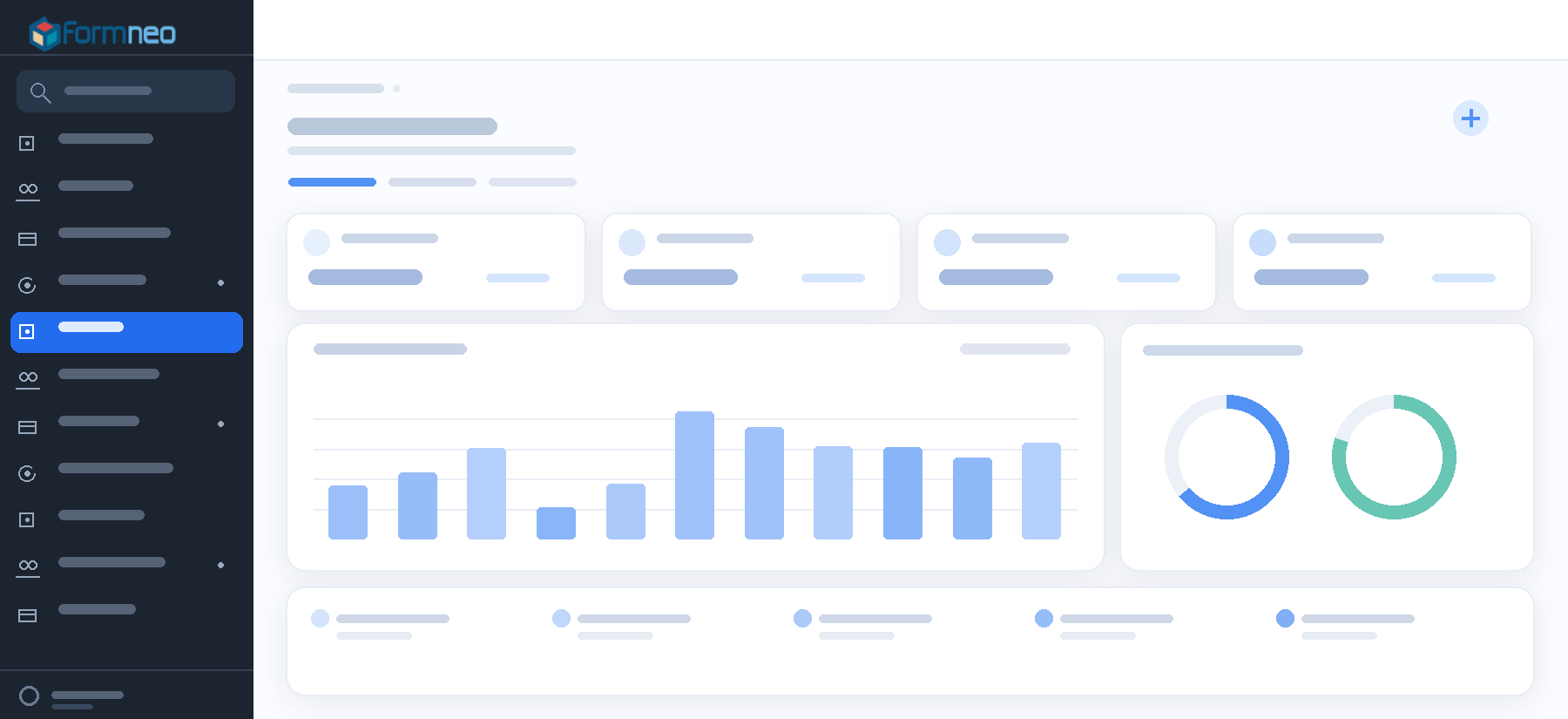
Dashboard
In the morning you see the work that is yours, and, if you have the permission, collections and due dates.
Explore the module
Accounts
You see the customer’s balance, open invoices, and orders on the same card. You collect and dispatch from that card too.
Explore the module
Sales
You turn a quote into an order, and a waybill into an invoice, in one click. Money that comes in is applied to the open invoices.
Explore the module
Waybills and orders
On the order you see how much has gone and how much is left. The waybill carries the plate and the driver, and stock is checked there too.
Explore the module
Purchasing and expenses
You enter the purchase invoice, the day’s expenses, and the payment to the supplier here. When the goods are received, stock updates too.
Explore the module
Price lists
There can be a list for one customer, or a list for everyone. Both have a date they are valid until.
Explore the module
Stock and warehouse
You look here to see how much is in each warehouse. Transfer, stock count, and the low-stock line are here too. Tonnes, sacks, and pallets stay distinct.
Explore the module
Cheques and notes
Cheques you take and cheques you give stay in the portfolio. Collect one, endorse one to a supplier, and if it bounces the account updates on its own.
Explore the module
Cash and bank
You follow the cash, the bank, the cheques, and the exchange difference from here.
Explore the module
Currency and exchange difference
You can issue the document in dollars or euros. The rate is written on it, and the difference is calculated apart.
Explore the module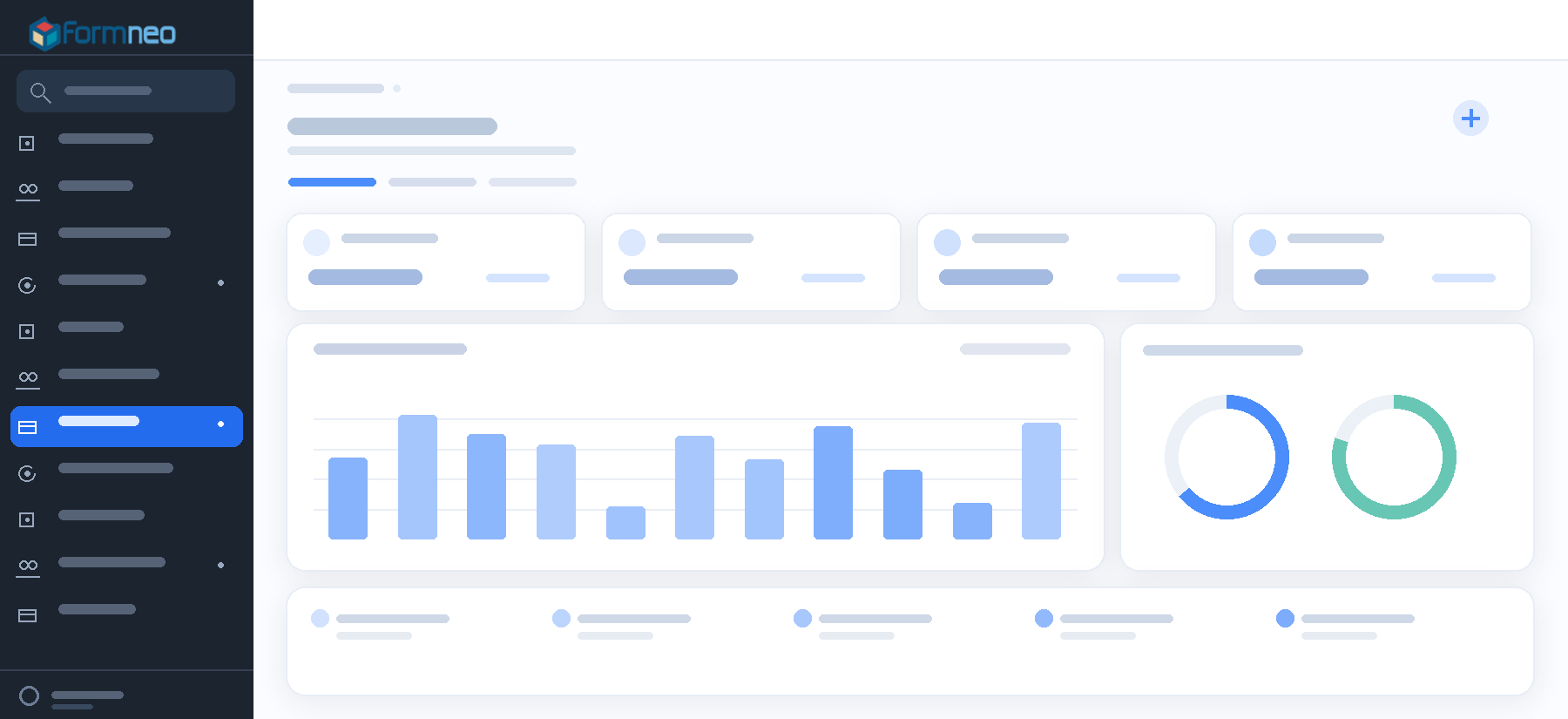
Reports
You open the month’s sales, collections, stock, and who owes what from here.
Explore the moduleCredit limit
Dispatch stops when the debt, the open orders, and the cheques in the portfolio fill the limit. To go on, someone has to write a reason.
Explore the module
Staff
Salary, bonus, daily wage, advance, and expense payback sit on the employee’s card. At month end you can see what they are owed.
Explore the module
Vehicles
You follow the vehicle’s plate and its driver from here.
Explore the moduleTime and attendance
People clock in and out with a QR code or a device. Who is in, who did not come, and who is late shows at a glance. The timesheet comes from the same place.
Explore the moduleLeave
You see how many days of leave someone has left, and whose desk the request is on.
Explore the module
Approvals
Approvals, tasks, and forms that are yours collect in one box.
Explore the moduleWorkflows
You build the approval step by step, and you can see where a started job is waiting.
Explore the moduleTemplates
Ready processes cover work such as purchasing, leave, expenses, and quality. You pick one and adjust it to your own steps.
Explore the moduleForms
You draw the form, publish it, and tie it to an approval.
Explore the moduleAssistant
You write what you want to do. It takes you to the right form, the approval box, or your tasks.
Explore the moduleMy requests
You follow from here where the requests you opened are waiting.
Explore the module
Users and roles
You decide by role who sees which screen, and what they can do there.
Explore the moduleUnits
Tonnes, sacks, pallets, and pieces stay distinct in the same stock. How many sacks make a pallet is written once.
Explore the moduleWhatsApp
You share a quote and an order from your own WhatsApp. If the company account is connected, balance reminders and approval notices go from there.
Explore the module
Change history
If a record is deleted or corrected, the old value and the new value sit side by side.
Explore the module
Look closer at the modules
Pick a tab. The text is that module’s work. Where a screenshot exists, it is the real screen.
Dashboard
In the morning you see the work that is yours, and, if you have the permission, collections and due dates.
- Pending approvals and an operations summary
- One morning view for the whole team
- The pulse of the business without hopping modules
See a module with your own data.
Murat Merdoğan walks the product with the Danube Yazılım team in Eskişehir.